


Module :
January 14, 2026
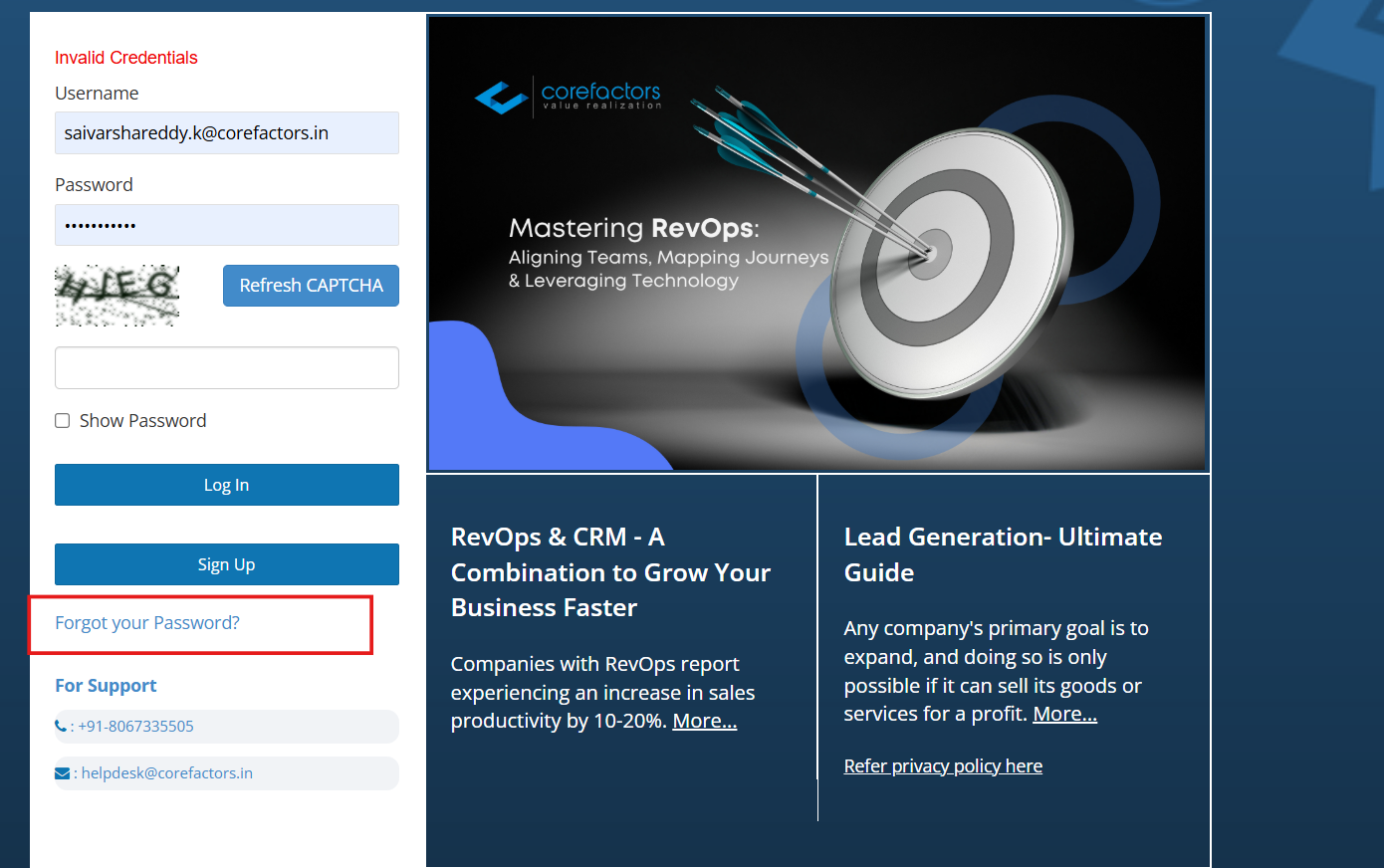
Enhanced Forgot Password – Faster, Simpler, and More Secure Recovery

We’ve enhanced the Forgot Password experience to make account recovery faster, more secure, and easier to complete. Users can now reset their passwords using a guided OTP-based verification process, ensuring secure access while reducing recovery time and support dependency.
This improvement strengthens account security while providing a smoother and more reliable recovery experience for all users.
Key Improvements:
- Secure OTP-based verification ensures only authorized users can reset passwords.
- Faster and more intuitive recovery flow with clear step-by-step guidance.
- Immediate feedback with clear validation and error messages.
- Automatic redirection to the login page after successful password reset.
- Confirmation email sent after password update for enhanced security awareness.
- OTP resend option available if the original OTP expires.
How It Works:
- Click Forgot Password on the login page.
- Enter your registered username.
- Click Get OTP to receive a verification code via email.
- Enter the OTP and set your new password.
- You’ll be redirected to the login page.
- A confirmation email is sent after successful password update.
Security and Validation:
OTP is valid only for a limited time for security protection. Maximum of 5 OTP verification attempts are allowed.Users can resend OTP if it expires. Only active users with a registered email ID can reset passwords.Old password becomes invalid immediately after reset.
- OTP is valid only for a limited time for security protection.
- Maximum of 5 OTP verification attempts are allowed.
- Users can resend OTP if it expires.
- Only active users with a registered email ID can reset passwords.
- Old password becomes invalid immediately after reset.



.png)


.png)